Advertisement
Click to download now, finish the installation quickly, and directly unlock the all-round experience
Advertisement
Screenshots
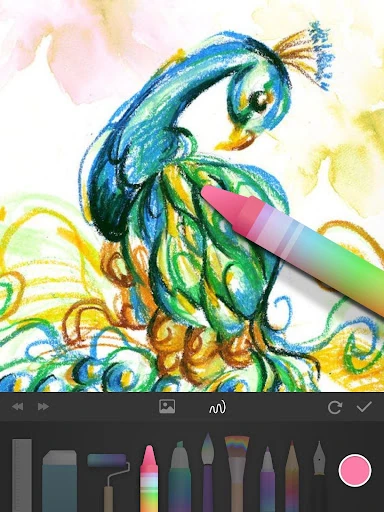
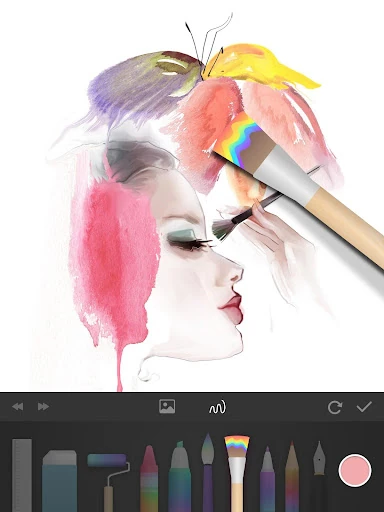
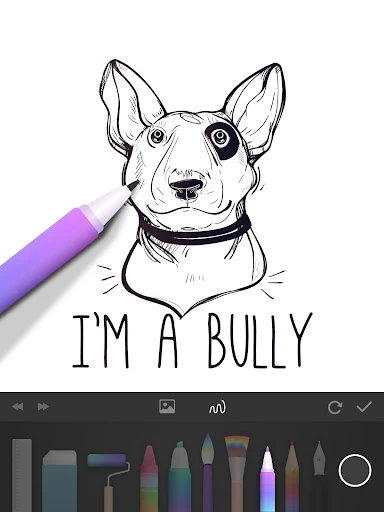
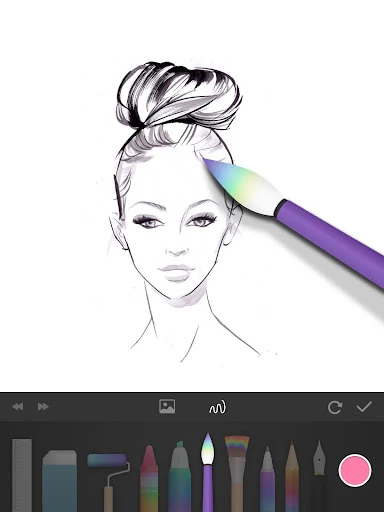
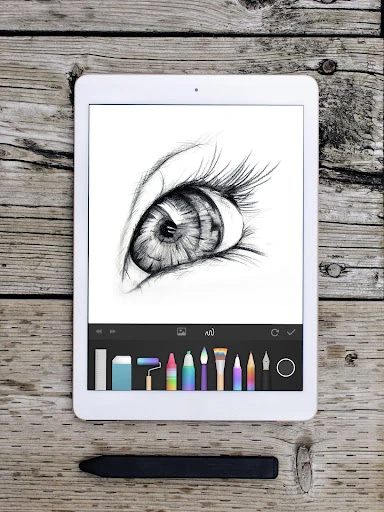
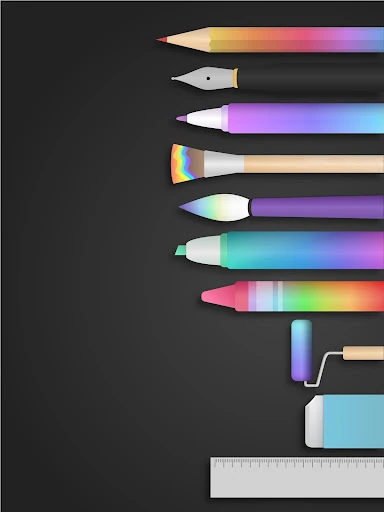
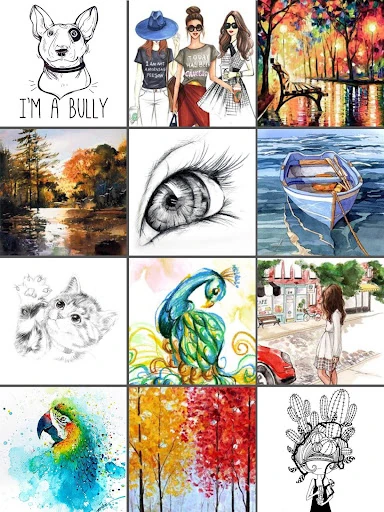
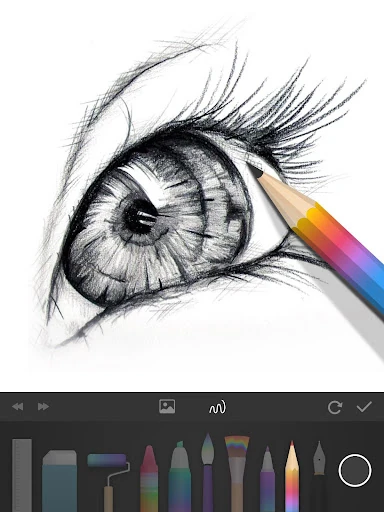
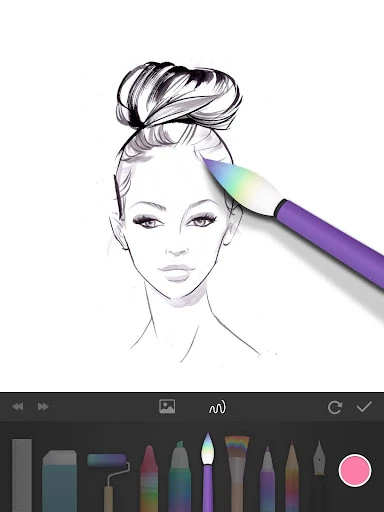
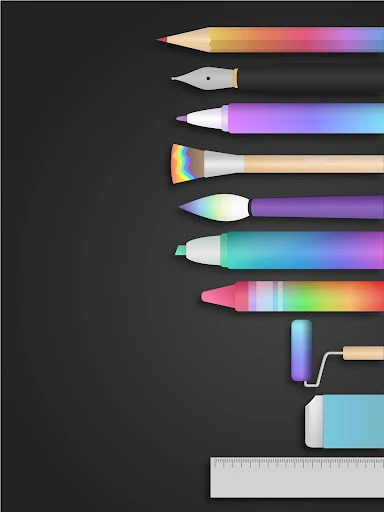
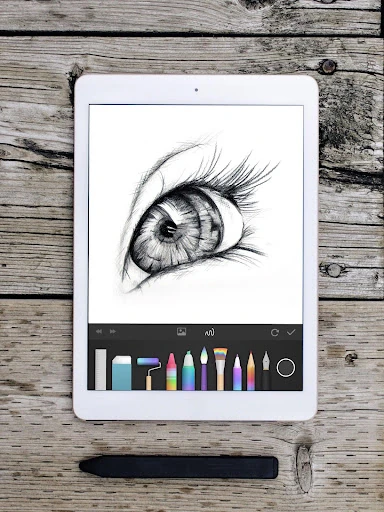
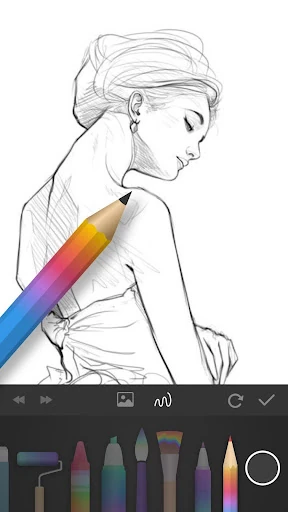
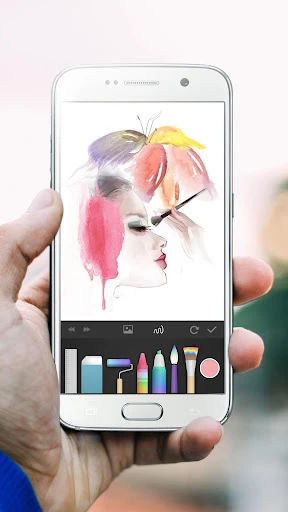
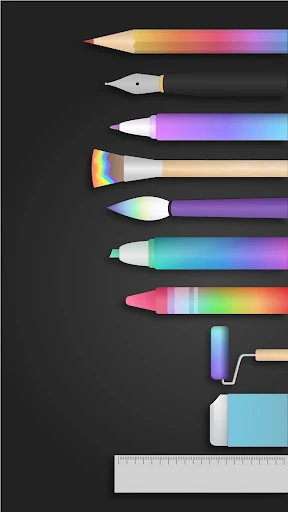
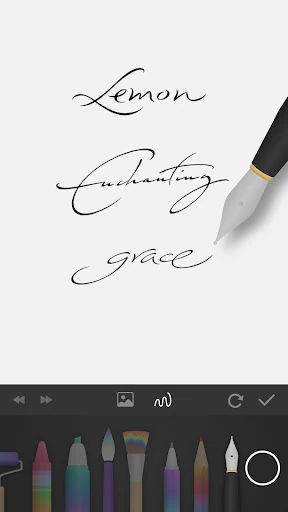
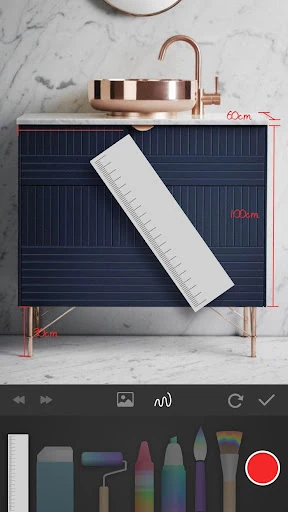
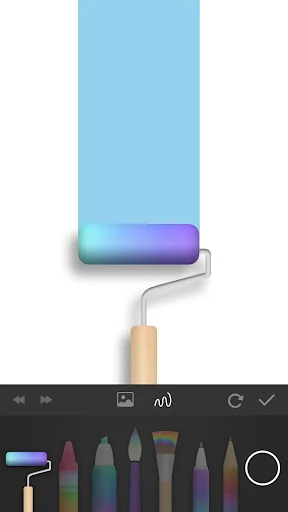
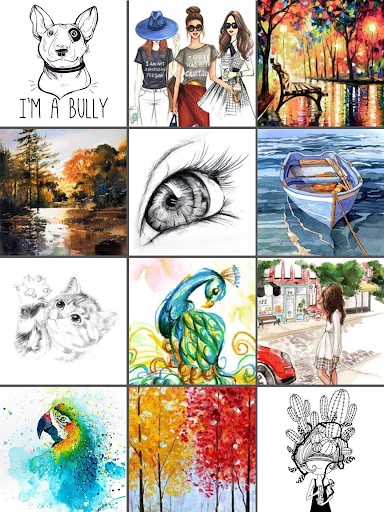
Click to download now, finish the installation quickly, and directly unlock the all-round experience
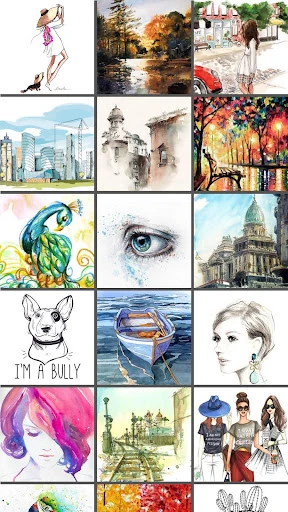
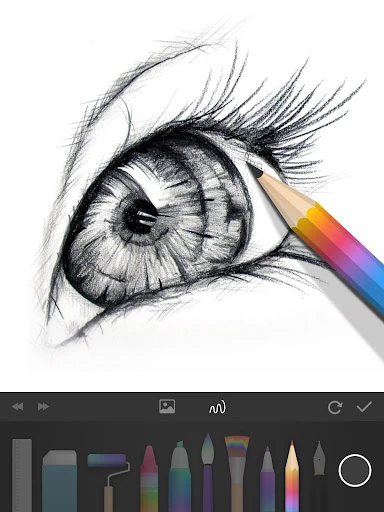
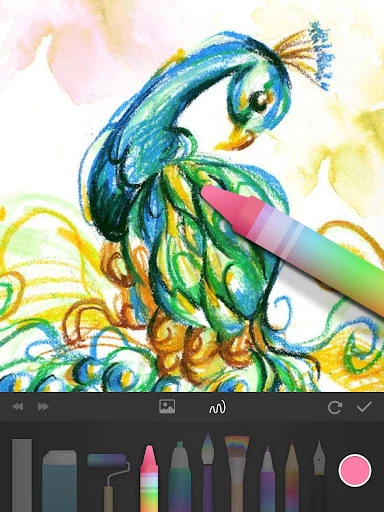
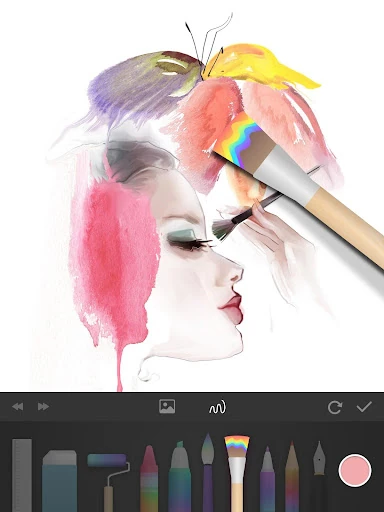
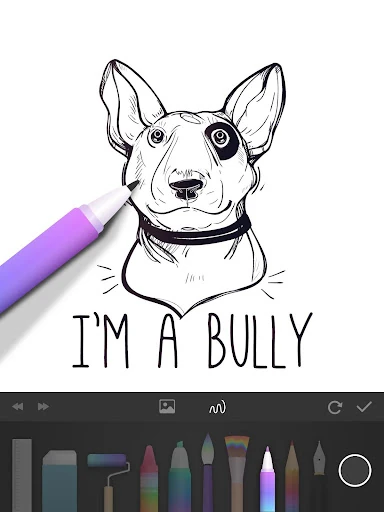
PaperColor is a drawing and painting app for Android, suited to people who want to sketch, try brush textures or work over a photo without using a desktop art program. Its canvas is the main event: choose a brush and color, then draw with a finger or stylus. A ruler and eraser are available for more controlled marks, while zoom gestures help when you need to work on a small part of the image.
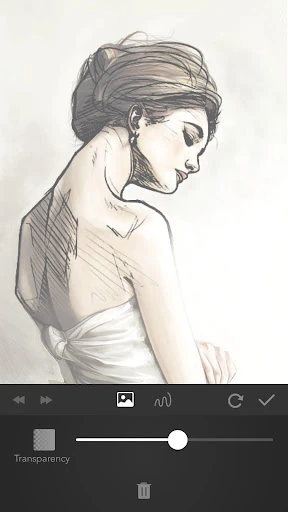
If a blank canvas is a hurdle, PaperColor lets you bring in a photo, make it translucent and trace over it. That can help beginners practise outlines and proportions, or give more experienced artists a starting guide. You can also draw directly on an image for simple markup or creative changes. The brush styles imitate different traditional painting textures, so the app is geared toward hands-on sketching rather than a highly technical production workflow.
PaperColor makes sense for casual drawing, practice and small creative projects on a phone. It keeps useful tools close to the canvas, but it is not a substitute for desktop software when a project depends on advanced layer management. Before choosing it for a complex illustration, consider whether its simpler approach matches the way you work. The included handwritten signature tool offers a way to sign finished work.
PaperColor is published by Eyewind in the Art & Design category. It has a 4.43 rating from about 218,000 ratings and more than 10 million installs. Those figures point to a widely used drawing app, though the best fit depends on whether you want an approachable mobile canvas or a more elaborate studio toolkit.