Convert images to JPEG
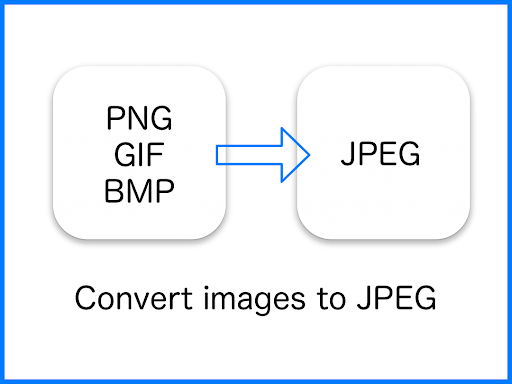
JPEG Converter-PNG/GIF to JPEG changes images from formats such as PNG, GIF and BMP into JPEG files. It is a focused Photography utility for anyone who needs a JPEG copy of an image for sharing or keeping alongside other photos. It handles format conversion rather than serving as a general photo editor.
What happens to transparency
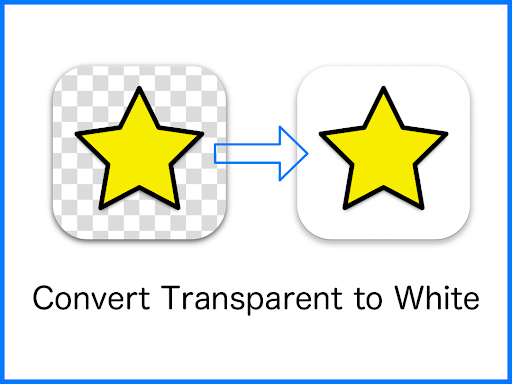
JPEG does not preserve transparent areas in the same way PNG and GIF can. In this app, transparent parts of an image are converted to white. Keep that in mind when converting a logo, icon or other graphic whose appearance depends on a clear background: the result will have white in those areas.
Find the converted images
Saved JPEGs go into the /Pictures/JPEG/ folder. That gives converted files a dedicated place in the Pictures directory, separate from the original image’s format. If you are looking for a result later, check that folder rather than assuming the converted copy replaced the source.
A well-used, specific tool
The app is from handyCloset Inc. and has a 4.49 rating from 20,577 ratings, with more than 5 million installs. Those figures indicate that it has been used widely for this narrow task; they do not change its basic purpose. Choose it when you need PNG, GIF, BMP or another supported image converted to JPEG, and are comfortable with transparent areas turning white. If you need to preserve transparency or make broader edits, this converter’s job is not a substitute for those tools.